Streamline Your Newsletter Creation
Efficiently repurpose content into engaging newsletters
Challenges in Newsletter Publishing
Time-Consuming Content Creation
Starting newsletters from scratch takes time and effort.
Inconsistent Voice
Maintaining a consistent tone across platforms is challenging.
Inefficient Workflow
Switching between tools disrupts the creative process.
Lack of Editorial Control
Generic content suggestions don't align with your strategy.
Limited Content Repurposing
Repurposing existing content into newsletters is cumbersome.
Difficulty in Audience Engagement
Crafting engaging content that resonates with your audience is tough.
Transform Your Workflow
Use strategic tools to streamline and enhance your content creation process.
Steps to Optimize Your Newsletter Creation
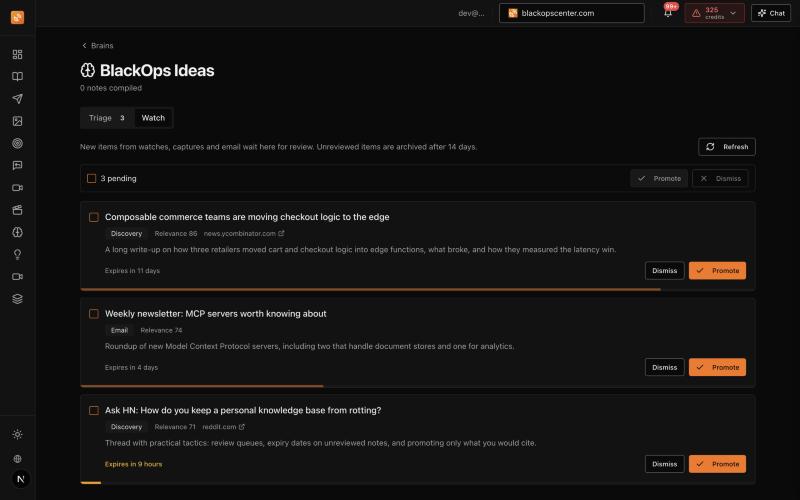
Create a Brain
Organize your existing content by themes and expertise.
- Brains
- Auto-Discovery
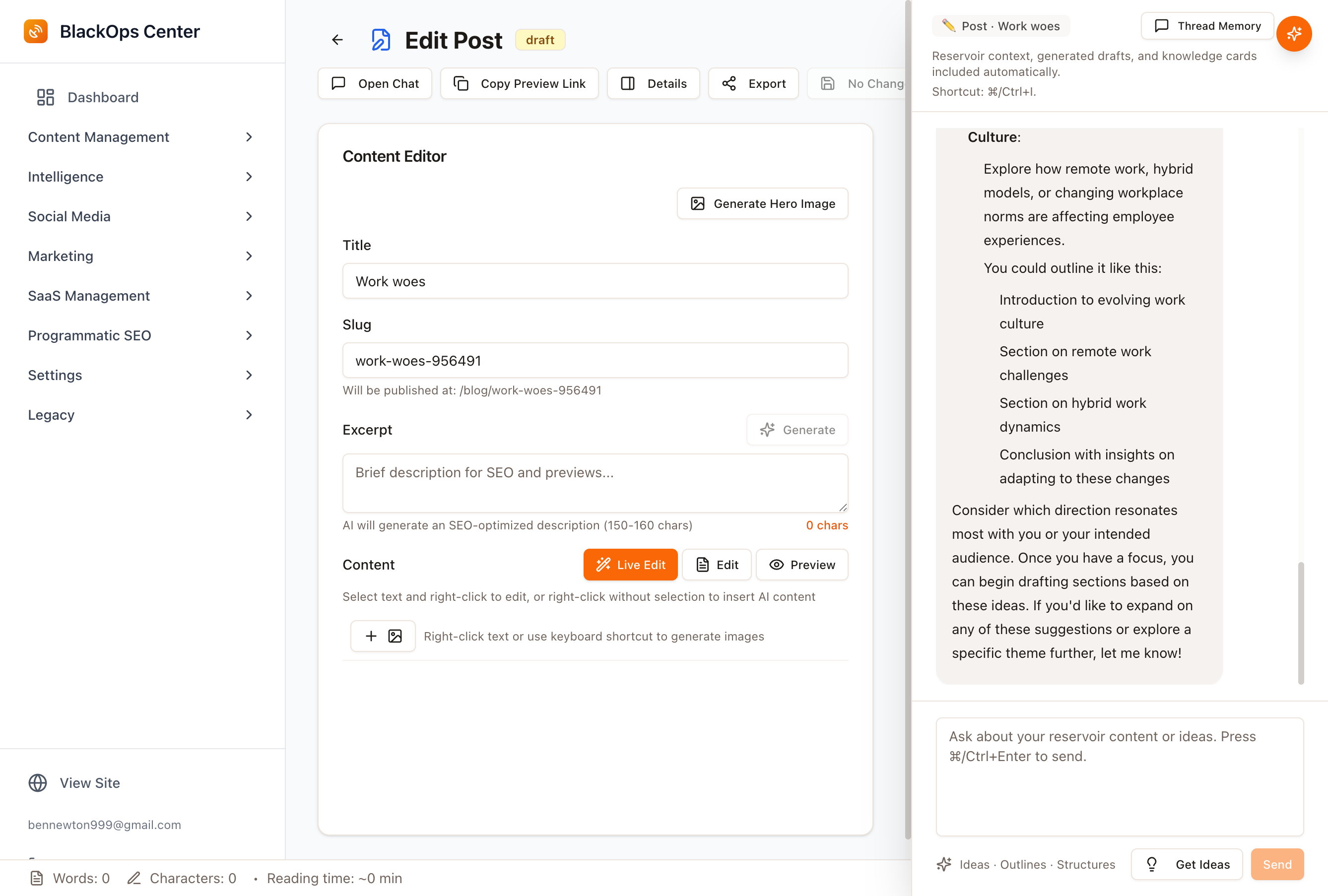
Develop Your Content Strategy
Link brains to strategic objectives and define your audience.
- AI Strategist
- Content Series Planning
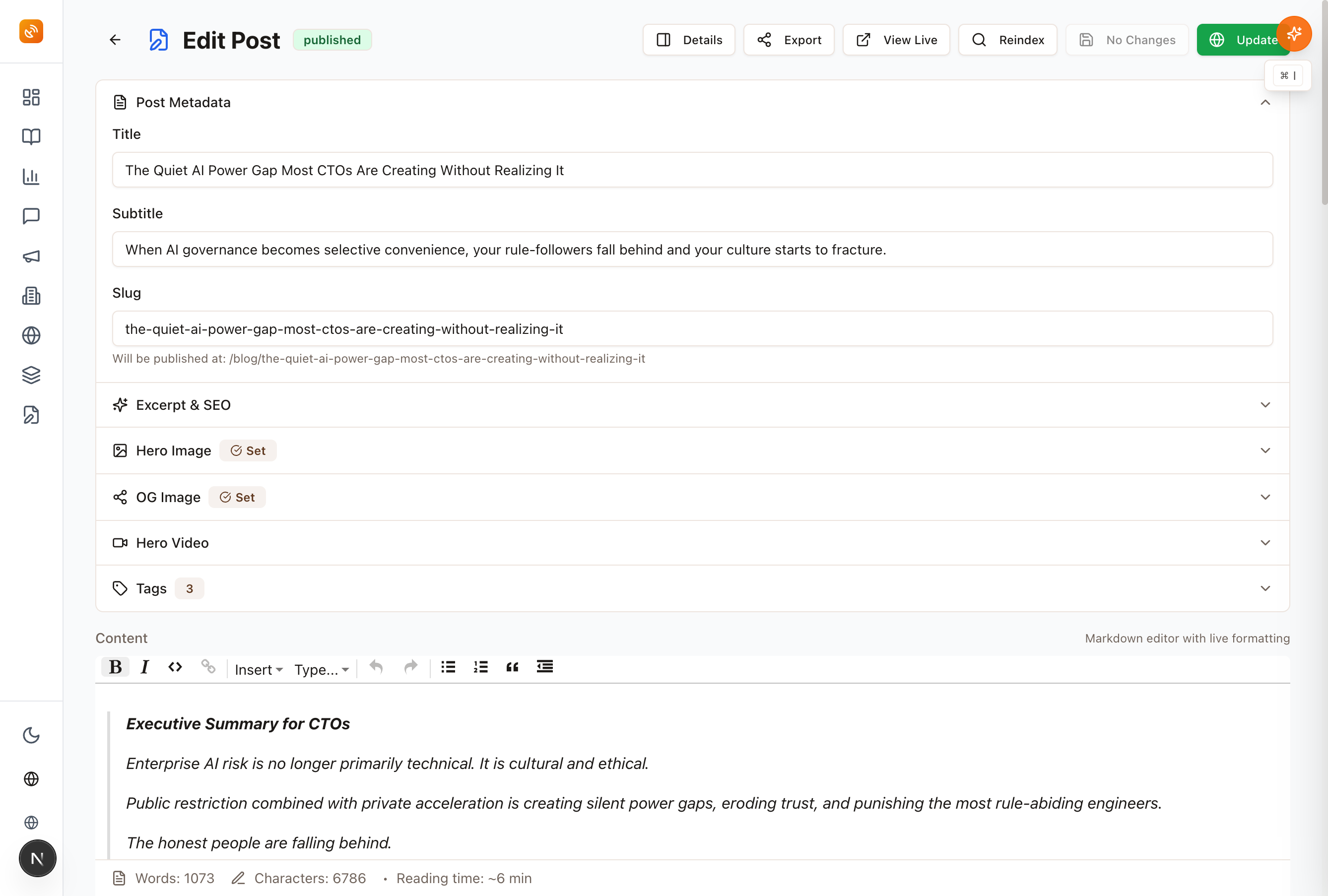
Publish with Consistency
Use AI to refine content while preserving your voice.
- Voice Profile
- Markdown Publishing
Who this is for
Bloggers
Repurpose blog content into newsletters efficiently.
Indie Publishers
Maintain editorial control and voice consistency.
DevRel Professionals
Engage your audience with strategic content campaigns.
Key Features for Content Creators
Brains
Organize and curate content around strategic themes.
Voice Profile
Ensure your authentic voice is preserved across all content.
Write & Publish
Create content in markdown and publish without hassle.
Content Discovery
Automatically surface relevant discussions from key platforms.
AI Strategist
Receive strategic guidance tailored to your content goals.
Proven Results for Content Creators
BlackOps Center has transformed how content creators approach newsletter publishing.
Join the communityAchieve Your Content Goals
Transform your approach to newsletter publishing with strategic tools.
Discover MoreFrequently Asked Questions
How does BlackOps Center preserve my voice?
The Voice Profile feature learns your unique writing style to ensure consistency across all content.
Can I integrate my existing content?
Yes, brains allow you to organize and repurpose existing content efficiently.
What platforms does Content Discovery cover?
Content Discovery surfaces discussions from platforms like HackerNews, Reddit, and YouTube.
How does AI Strategist assist in content creation?
AI Strategist provides strategic guidance tailored to your content goals, ensuring thematic consistency.
Is there support for multi-part content series?
Yes, you can plan and create multi-part content series with logical progression and thematic development.
Elevate Your Newsletter Strategy
Take control of your content creation process with BlackOps Center.
Get StartedTrusted by leading content creators worldwide
Strategic Content OrchestrationConsistent Voice PreservationEfficient Publishing Workflow
Start with what you know
What could you talk about for an hour?
Speak it, type it, or upload it. We interview you on your specifics, structure what you know into your own Brain, and draft your first post from it, in your voice, on your own site.
No email until you've seen your Brain. Human-authored. AI-refined.
Featured Articles
Insights on commerce development, AI workflows, and engineering leadership

Shared Memory Now Learns Your Agents' Names on Its Own
New agents register on their first write, and old spellings map to one name.
Every agent signs what it writes to Continuity, your shared memory. Now BlackOps learns those names itself: a new agent registers on its first write, old spellings map to one name, and signed work no longer shows up as "channel unknown".

Your Vault Shouldn't Belong to One Agent
The BlackOps Center plugin keeps your brains in your Obsidian vault, both ways, so every agent reads and writes the same notes.
The BlackOps Center plugin for Obsidian syncs your brains with a folder in your vault, both ways, with no GitHub. Your notes stay plain Markdown, and every agent you connect works from them.

Your Agents Forget to Log Their Work. BlackOps Logs It for Them.
Continuity records every change your agents make through BlackOps, from the call log.
Agents told to log their work still skip it. Continuity now records every change your agents make through BlackOps, straight from the call log, and flags the agents that have stopped logging.

Claude Builds the Web Side. Grok Bot Builds the Mac App.
Two agents from two different companies split one build through BlackOps Comms and Continuity. Here's how they hand off, catch up and stay in step without you carrying messages between them.
Claude and Grok Bot split one build: the web side in one chat, the Mac app in another. Continuity holds what's true now, Comms says whose move it is, and you keep the calls. Here's the setup.

BlackOps Now Works for Teams
Invite people by email to your workspace. They get every site, note and brain, and each one is a seat on your plan.
Workspaces, email invites and teammate seats are live in BlackOps. Here is how to send an invite, what your teammate sees, the three roles, and how seats are billed on Pro and Operator.