Content Cluster
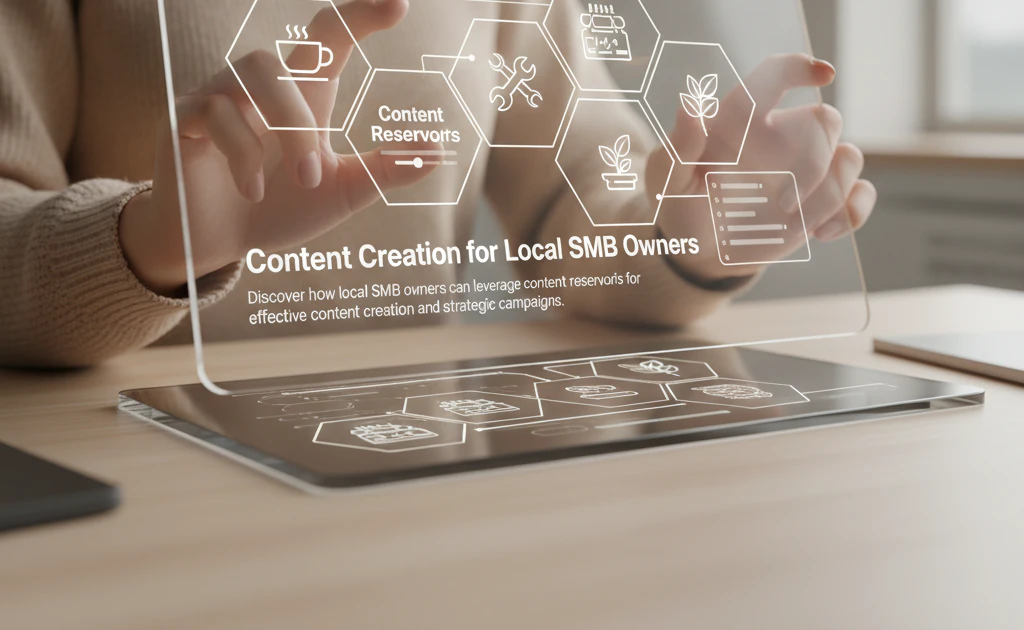
Unlock the Power of Content Creation for Your SMB
Transform your local business with strategic content that resonates.
Introduction
In today's digital landscape, effective content creation is crucial for local SMB owners looking to enhance their visibility and engage with their community. By leveraging strategic content strategies, businesses can not only attract new customers but also foster loyalty among existing ones.
Understanding the Content Creation Problem
Local SMB owners often face challenges in creating relevant and engaging content that speaks to their audience. This can lead to missed opportunities in connecting with potential customers.
Workflow for Effective Content Creation
- Identify Your Audience: Understand who your target customers are and what content resonates with them.
- Plan Your Content: Develop a content calendar that aligns with your business goals and audience needs.
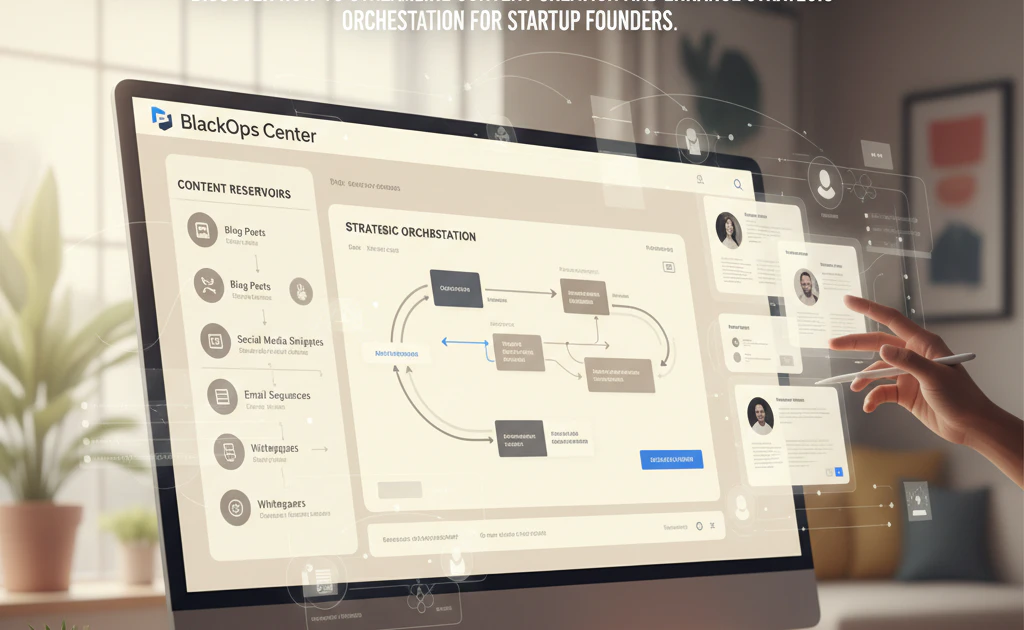
- Utilize Brains and Watches: Leverage BlackOps Center’s brains and watches to gather insights and relevant topics for your content.
- Generate and Distribute: Use AI-driven tools to create blog posts, social media updates, and newsletters that capture your brand's voice.
The Role of Content Strategy in SMB Growth
A well-defined content strategy helps local SMB owners streamline their efforts, ensuring that every piece of content serves a purpose. By focusing on strategic orchestration, businesses can maximize their reach and impact.
Competitive Advantage
Staying ahead of competitors requires continuous innovation in content creation. By utilizing tools like BlackOps Center, local SMBs can gain insights into trending topics and consumer interests, allowing them to create timely and relevant content.
Related Guides
Start with what you know
What could you talk about for an hour?
Speak it, type it, or upload it. We interview you on your specifics, structure what you know into your own Brain, and draft your first post from it, in your voice, on your own site.
No email until you've seen your Brain. Human-authored. AI-refined.
Featured Articles
Insights on commerce development, AI workflows, and engineering leadership

Shared Memory Now Learns Your Agents' Names on Its Own
New agents register on their first write, and old spellings map to one name.
Every agent signs what it writes to Continuity, your shared memory. Now BlackOps learns those names itself: a new agent registers on its first write, old spellings map to one name, and signed work no longer shows up as "channel unknown".

Your Vault Shouldn't Belong to One Agent
The BlackOps Center plugin keeps your brains in your Obsidian vault, both ways, so every agent reads and writes the same notes.
The BlackOps Center plugin for Obsidian syncs your brains with a folder in your vault, both ways, with no GitHub. Your notes stay plain Markdown, and every agent you connect works from them.

Your Agents Forget to Log Their Work. BlackOps Logs It for Them.
Continuity records every change your agents make through BlackOps, from the call log.
Agents told to log their work still skip it. Continuity now records every change your agents make through BlackOps, straight from the call log, and flags the agents that have stopped logging.

Claude Builds the Web Side. Grok Bot Builds the Mac App.
Two agents from two different companies split one build through BlackOps Comms and Continuity. Here's how they hand off, catch up and stay in step without you carrying messages between them.
Claude and Grok Bot split one build: the web side in one chat, the Mac app in another. Continuity holds what's true now, Comms says whose move it is, and you keep the calls. Here's the setup.

BlackOps Now Works for Teams
Invite people by email to your workspace. They get every site, note and brain, and each one is a seat on your plan.
Workspaces, email invites and teammate seats are live in BlackOps. Here is how to send an invite, what your teammate sees, the three roles, and how seats are billed on Pro and Operator.