Master Newsletter Curation
Streamline your process with strategic intelligence
The Newsletter Curation Challenge
Tool Switching Fatigue
Creators spend hours switching between tools, losing focus and efficiency.
Inconsistent Voice
Manual curation often leads to newsletters that lack a cohesive voice.
Information Overload
69% of knowledge workers report stress from managing too much information.
Disjointed Content
Copy-pasting across platforms results in newsletters that feel fragmented.
Late Deliveries
Manual processes delay newsletter distribution, affecting engagement.
Underperformance
Disjointed newsletters fail to capture audience attention effectively.
Reframe the Problem
Shift from manual curation to strategic content intelligence.
Before: The Old Way
After: With BlackOps Center
Streamline Your Newsletter Process
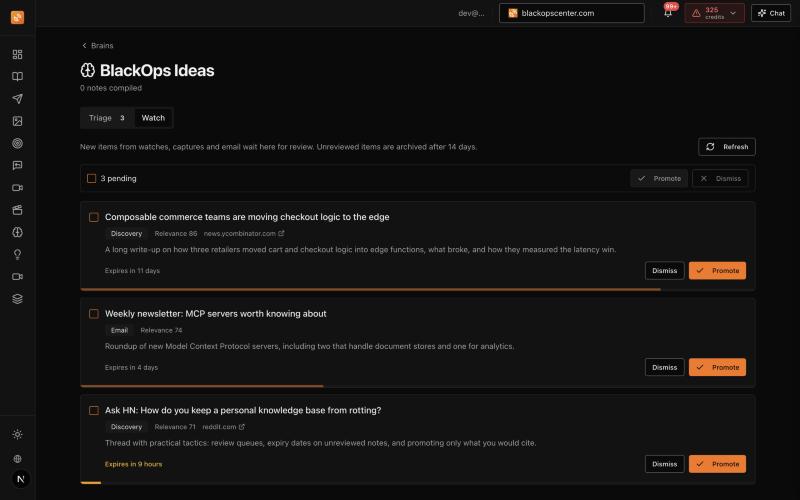
Create a Brain
Organize your themes and curate content automatically.
Enable auto-discovery from sources like HackerNews and Reddit.
- Brains
- Auto-Discovery
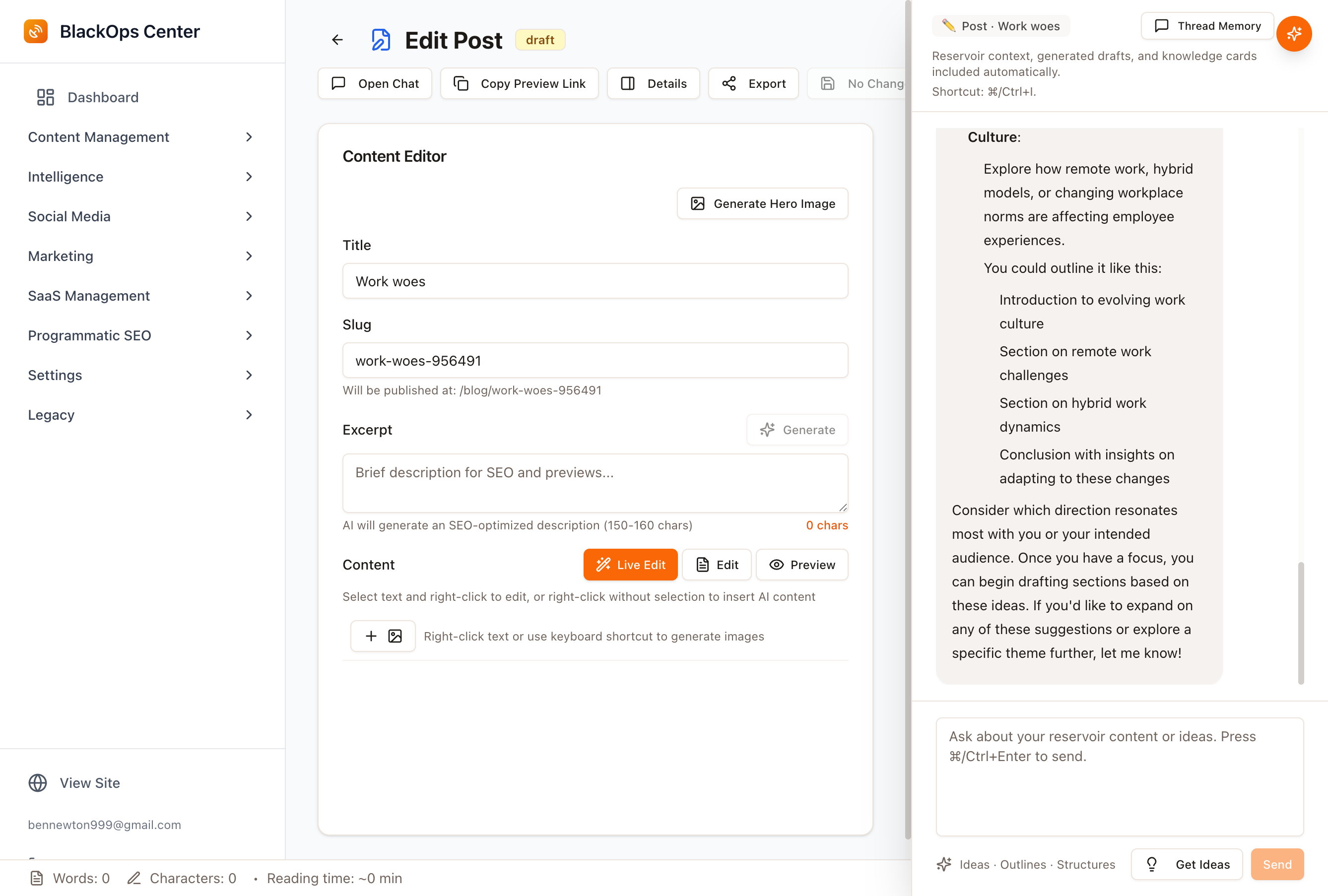
Strategize with AI
Link brains to strategic objectives and plan your content series.
AI assists with thematic development and strategic outlines.
- AI Strategist
- Content Series Planning
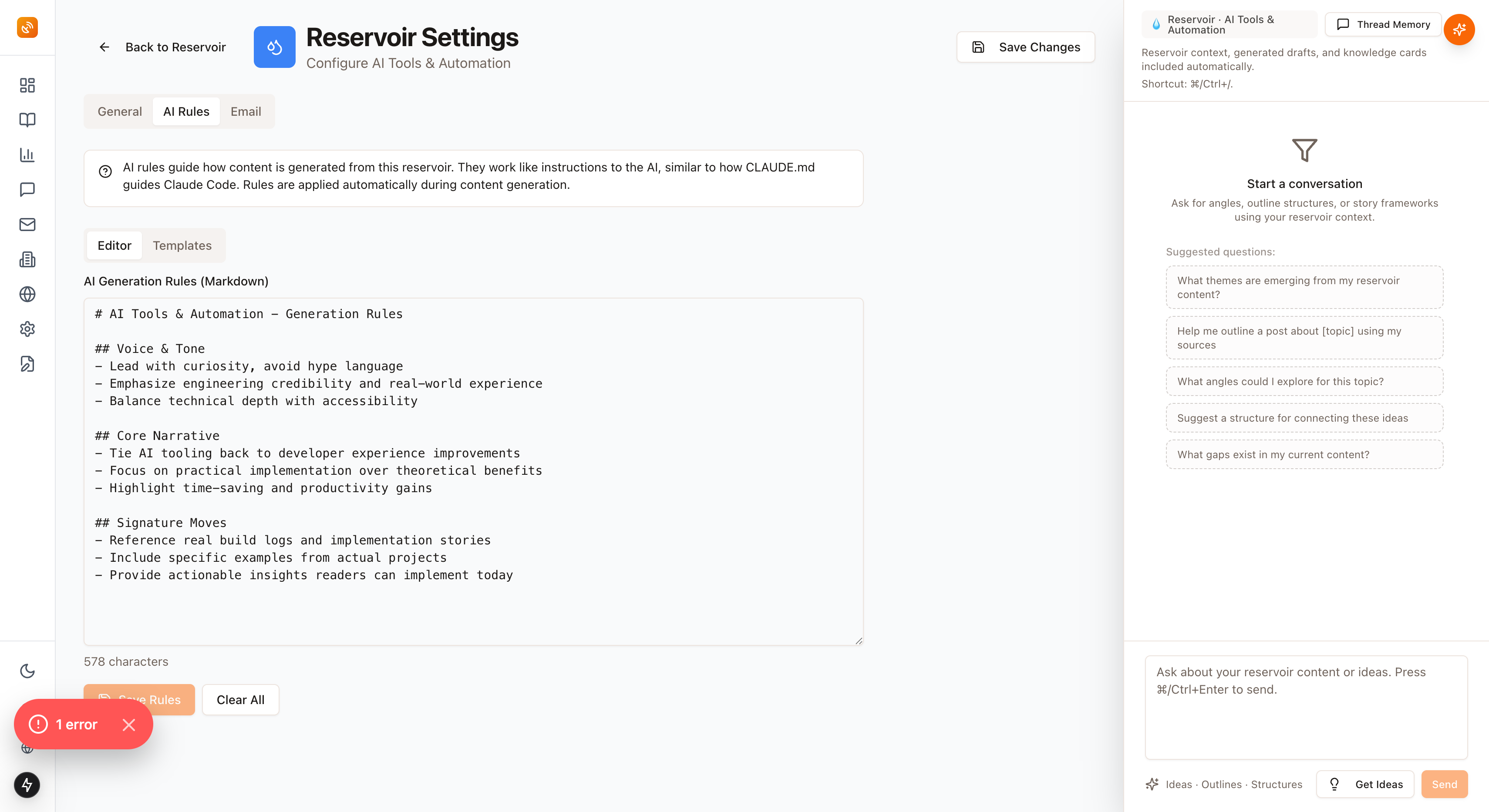
Publish with Consistency
Use the platform to write, refine, and publish your newsletter.
Maintain your authentic voice across all content.
- Voice Profile
- Publishing
Powerful Features for Newsletter Success
Brains
Organize and curate content around strategic themes.
AI Strategist
Receive strategic guidance tailored to your content objectives.
Voice Profile
Preserve your unique voice across all content types.
Content Discovery
Automatically surface relevant discussions and content.
Integrated Newsletter
Write and send newsletters directly from the platform.
Proven Impact and Results
Content creators using BlackOps Center report significant improvements in efficiency and content quality.
Join the SuccessRevolutionize Your Newsletter Curation
Shift from manual processes to strategic intelligence.
Get Started TodayFrequently Asked Questions
What is a Brain?
A curated knowledge base organized around themes, enabling strategic content orchestration.
How does BlackOps Center ensure content consistency?
Through the Voice Profile feature, which learns and maintains your unique writing style.
Can I integrate my existing content with BlackOps Center?
Yes, you can manually add content to your brains for strategic use.
What is the AI Strategist?
A context-aware editor providing strategic guidance tailored to your content goals.
How does the platform handle content discovery?
It automatically surfaces relevant content from multiple online sources.
Transform Your Newsletter Process
Experience seamless curation and strategic content intelligence.
Start NowJoin thousands of satisfied creators.
Strategic Content OrchestrationConsistent Brand VoiceEfficient Curation
Start with what you know
What could you talk about for an hour?
Speak it, type it, or upload it. We interview you on your specifics, structure what you know into your own Brain, and draft your first post from it, in your voice, on your own site.
No email until you've seen your Brain. Human-authored. AI-refined.
Featured Articles
Insights on commerce development, AI workflows, and engineering leadership

Shared Memory Now Learns Your Agents' Names on Its Own
New agents register on their first write, and old spellings map to one name.
Every agent signs what it writes to Continuity, your shared memory. Now BlackOps learns those names itself: a new agent registers on its first write, old spellings map to one name, and signed work no longer shows up as "channel unknown".

Your Vault Shouldn't Belong to One Agent
The BlackOps Center plugin keeps your brains in your Obsidian vault, both ways, so every agent reads and writes the same notes.
The BlackOps Center plugin for Obsidian syncs your brains with a folder in your vault, both ways, with no GitHub. Your notes stay plain Markdown, and every agent you connect works from them.

Your Agents Forget to Log Their Work. BlackOps Logs It for Them.
Continuity records every change your agents make through BlackOps, from the call log.
Agents told to log their work still skip it. Continuity now records every change your agents make through BlackOps, straight from the call log, and flags the agents that have stopped logging.

Claude Builds the Web Side. Grok Bot Builds the Mac App.
Two agents from two different companies split one build through BlackOps Comms and Continuity. Here's how they hand off, catch up and stay in step without you carrying messages between them.
Claude and Grok Bot split one build: the web side in one chat, the Mac app in another. Continuity holds what's true now, Comms says whose move it is, and you keep the calls. Here's the setup.

BlackOps Now Works for Teams
Invite people by email to your workspace. They get every site, note and brain, and each one is a seat on your plan.
Workspaces, email invites and teammate seats are live in BlackOps. Here is how to send an invite, what your teammate sees, the three roles, and how seats are billed on Pro and Operator.